


Propagroup
EN

Shock and tilt indicators for TVs

The TV carton arrives intact. What happened in transit?

A shock or tilt can leave no visible trace on the carton. Propagroup indicators help your receiving team identify which TV shipments to inspect.

Request free samples

Which indicator do you need?

Tell us which TVs you ship and how you pack them. We can advise you or provide samples to test.

You can also email us at [email protected].

An intact carton can hide a damaged screen

A shock or tilt may leave no marks. If an indicator activates, the receiving team can identify which cartons to inspect and document the incident before distribution.

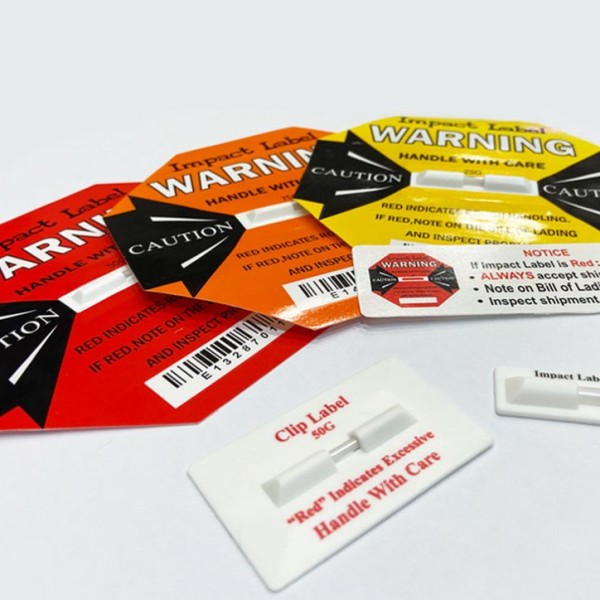
Propagroup adhesive shock indicators with different sensitivities

From dispatch to receipt

  1. Apply the indicators

    Attach them to the TV carton following the instructions for each model.

  2. Check them on arrival

    Check whether the shock indicator has turned red or the tilt indicator has activated.

  3. Document the incident

    Photograph the indicator, record its serial number and inspect the TV according to your receiving procedure.

Two indicators for the same shipment

Shock indicator

Shock indicator

Shocks above the threshold

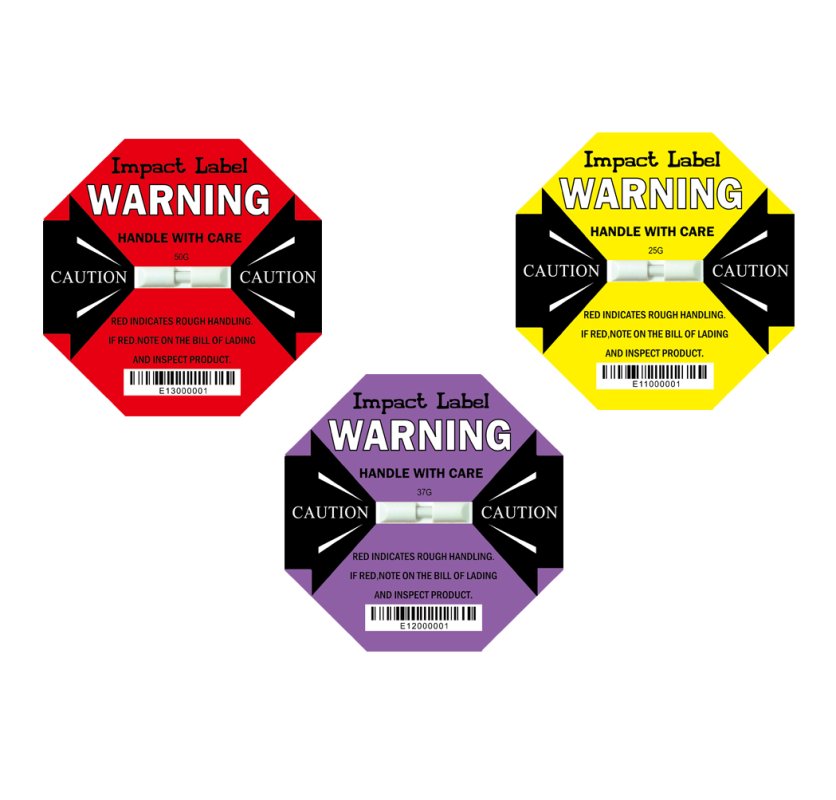
Impact Label turns red if the carton experiences a shock above its threshold.

  • Impact Label is available in several sensitivities, expressed in g.
  • Impact Indicator 2 detects shocks in two directions and is activated when applied.
Tilt indicator

Tilt indicator

Package tilt and overturning

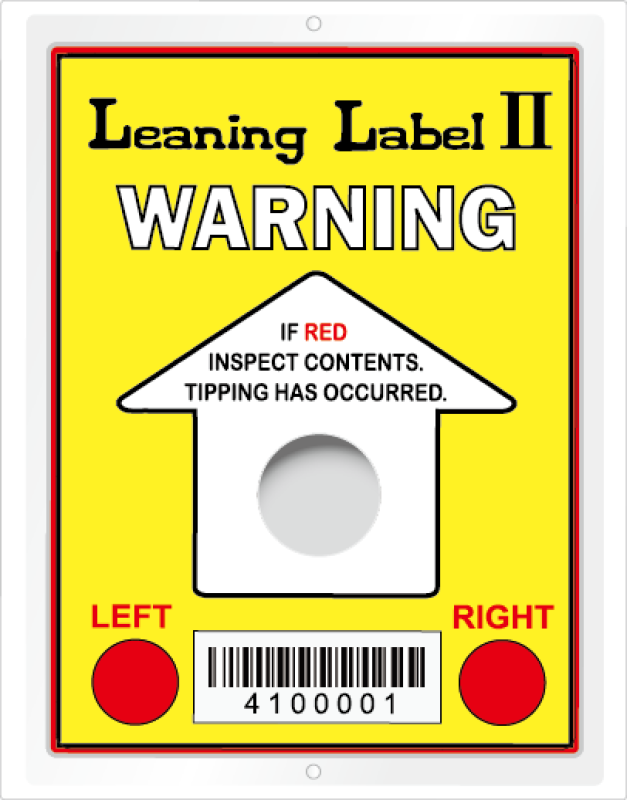
Leaning Label flags abnormal changes in orientation when a TV must be shipped upright.

  • Leaning Label II indicates tilts beyond 80° and shows the direction.
  • Leaning Label Plus distinguishes left and right tilt from a complete overturn.
Get advice on my TV shipments

What this means for your operations

Illustration of a warehouse worker checking two indicators on a TV carton
  • Clear inspection priorities

    If an indicator activates, the receiving team knows which carton to check first.

  • Better-documented incidents

    A photo and serial number provide context when speaking with the carrier, distributor or insurer.

  • More visibility at every handover

    Recording the indicator’s status at each handover makes it easier to narrow down when it activated.

Protect your margins, shipment by shipment.

Test the shock and tilt indicators on your own TV cartons.

Request free samples

FAQs about shipping TVs

Which indicator to choose, where to attach it and how to read it on arrival.

Which indicator do I need for shipping TVs?

The shock indicator shows whether the carton experienced a shock above its threshold. The tilt indicator shows whether the carton exceeded the model’s detection angle. Use both to monitor shocks and changes in orientation in the same shipment.

Which shock sensitivity should I choose?

It depends on the screen’s fragility and the packaging. To assess the threshold, tell us the package size and weight, how you protect it and whether it ships in an individual carton or on a pallet.

Where should I attach the indicators?

Attach them to the outside of the packaging where the receiving team can see them. Follow the instructions for each model, especially the tilt indicator’s orientation requirements.

What should I do if an indicator activates but the carton looks intact?

Photograph the indicator and packaging, record the serial number and inspect the screen according to your receiving procedure. The signal shows that a threshold was exceeded and helps identify which unit to inspect.

Can I test them on my own packaging?

Yes. Request free samples and tell us which TVs you ship and how you pack them. We can then suggest which models to test.